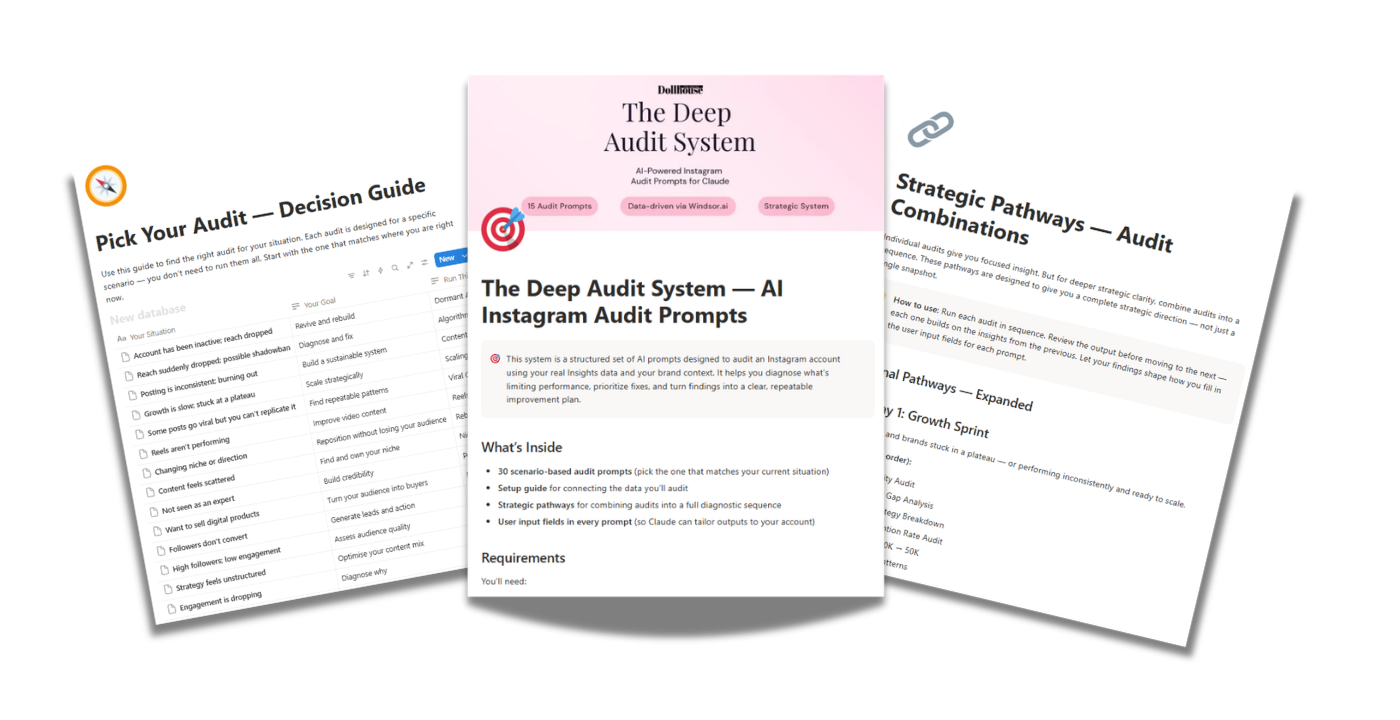
Say Goodbye to Surface-Level Audits: The Smart Way to Diagnose Social Media Performance with AI
Want to learn how to break down your social media performance like this?
In this guide, I’m going to show you exactly how to get there.
The Strategic Value of a Deep Audit
Most social media audits tell you what you already know — engagement is down, reach has slipped, something isn't working. What they rarely tell you is why.
A proper social media audit using AI doesn't just surface symptoms. It uncovers the patterns driving them. That distinction is where real growth begins — and it's exactly what a smarter, AI-powered approach delivers.
Surface-level metrics only provide a superficial view. A truly effective AI social media audit reveals what sits underneath the numbers — why certain content resonates, which audience segments actually engage, and where your strategy quietly loses momentum.
This deeper diagnostic clarity is what turns an audit into something useful.
Not just data — but direction.
How AI Reads What Metrics Alone Can't
For a real social media audit using AI, Claude is the analytical method you need. Given a full picture of your account's performance, Claude reads metrics the way a strategist would — spotting patterns across content, audience, positioning, and monetisation, and connecting them into a coherent narrative.
The key input isn't complicated. It's screenshots. Specifically, the screenshots from your platform's analytics dashboard — reach, engagement, content performance, audience demographics, top posts, story insights. The exact set depends on what you're auditing, but the principle is the same: Claude reads the data you give it, then tells you what the numbers actually mean.
No spreadsheet. No API. No data connector. You take the screenshots, Claude does the analysis.
How to Run a Deep Social Media Audit Using Claude
This setup takes about five minutes if your Instagram account isn't already set to Business or Creator. After that, everything happens inside Claude.
The steps below use Instagram as the example — but the same process applies across TikTok, YouTube, LinkedIn, and Facebook. The Deep Audit System (mentioned at the end of the article) has prompts built for all five platforms.
Step 1 — Switch to a Business or Creator account (if you haven't already)
Personal Instagram accounts don't share analytics data with third-party tools — or with AI. If you're on a personal account, this is essential:
Open Instagram and tap your profile picture in the bottom right.
Tap the hamburger menu in the top right corner.
Scroll down to Your Insights and tools.
Tap Switch to Professional account.
Select a category that fits your account, then tap Done.
Choose Business (if you sell products or services) or Creator (if you're a content creator or influencer).
That's it. You now have access to Instagram Insights — the data every audit runs on.
Step 2 — Know which screenshots to take
Each audit inside the Deep Audit System runs on a specific set of screenshots. They're not arbitrary — each one exposes a different part of the account's performance. Typical required captures include:
Professional Dashboard overview — last 30, 60, or 90 days.
Top-performing posts — individual insights panel showing reach, saves, shares, follows from post.
Audience tab — locations, age range, most active times.
Reach sources breakdown — follower vs non-follower, Explore vs Home vs Hashtags.
Story insights, if stories are part of the account's strategy.
Different audits need different screenshots. A Dormant Account Revival audit needs a before-and-after view of reach. A Hook & Retention audit needs individual Reel insights. The system tells you exactly which screenshots to take for each one.
Step 3 — Set your brand context before you start
Before you paste in any audit prompt, spend three minutes filling in the Brand Context Wizard. It captures your niche, audience, goals, tone, and positioning — and gives Claude the context it needs to give you accurate, brand-specific analysis instead of generic observations.
This one step is the difference between "your engagement has dropped" and "your engagement has dropped because your content is attracting the wrong audience segment for your offer." Same data. Completely different output.
Step 4 — Run your audit in Claude
Open a new chat in Claude.
Paste the audit prompt into the message box.
Attach your screenshots directly to the chat.
Hit send.
Claude reads your screenshots and returns the full audit. No spreadsheets. No manual uploads. No technical steps.
The Prompt That Makes It Work
The right AI audit isn't about a clever prompt — it's about the right prompt for what you're actually trying to diagnose. A single "master prompt" can give you a decent general read. But a Dormant Account Revival needs different instructions than a Reels Performance Audit, which needs different instructions than a Positioning Rebuild.
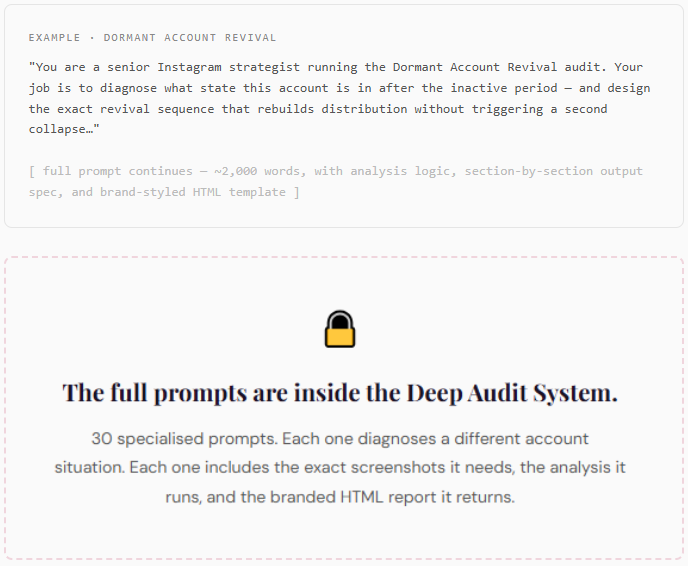
Every prompt inside The Deep Audit System is built for one specific diagnosis — with its own screenshot list, its own analysis logic, and its own output spec. Each one returns a styled, branded HTML audit report that reads like a strategist's deliverable, not a generic AI response.
Here's the shape of what a single audit prompt looks like, at a glance:
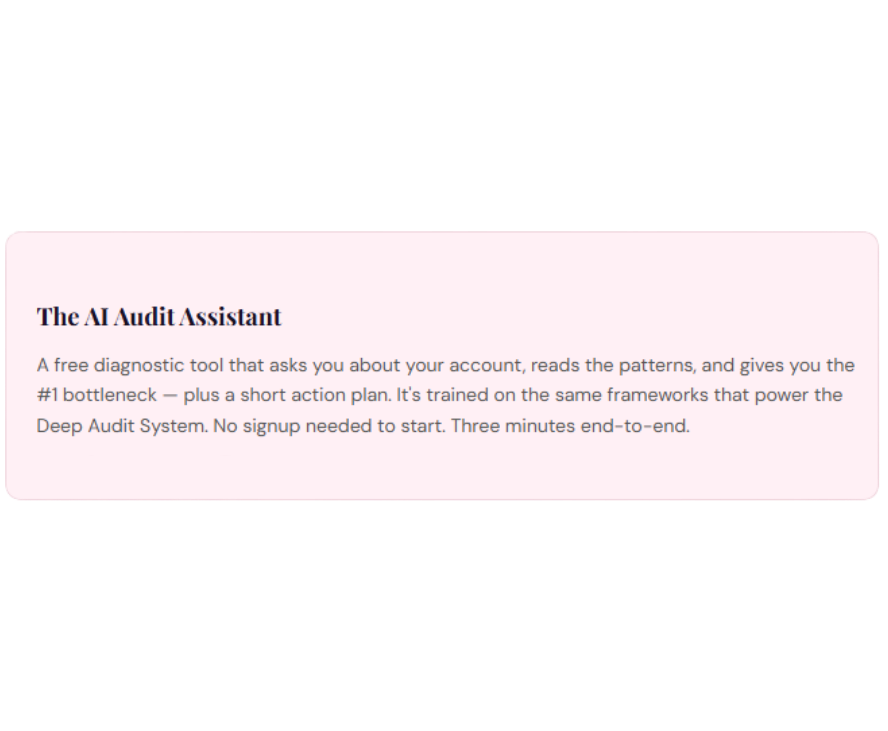
Want to see what an AI diagnosis actually looks like, without buying anything?
The Deep Audit System is a full diagnostic engine. It's built for anyone who's serious about fixing their social media — either their own or a client's. But if you're not there yet, there's a lighter version you can run for free.
Why This Works
AI-driven audits outperform manual reviews because they process patterns at scale.
Instead of looking at individual posts, Claude identifies trends across your content, your audience behaviour, and your overall account performance. This is what allows it to detect issues like content decay, weak positioning, or mismatched audience signals — things that surface-level metrics miss entirely.
What to Look For in Your Audit
The value of an AI social media audit comes from interpretation.
Focus on patterns, not individual posts. Look at consistency in engagement, shifts in reach, and how your audience responds across different types of content.
Pay attention to signals like saves, shares, and watch time. These reveal far more than likes alone.
Common Mistakes
Even with the right tools, the process can fail.
Using a generic social media audit template without adapting it to your content, focusing only on vanity metrics, or treating insights as observations instead of decisions are the most common mistakes.
This is where most audits lose their value.
Conclusion
Surface-level metrics are no longer enough.
A social media audit using AI transforms raw data into clear direction — helping you understand what's working, what's not, and what needs to change next.
That's what turns content into strategy.
If You Want to Take This Further
The process in this article gives you a solid starting point. But a general audit only scratches the surface. It tells you the overall picture. It doesn't tell you why your Reels stopped getting reach three weeks ago, whether your content is actually positioned for monetisation, what's causing follower growth to stall despite consistent posting, or how to restructure your entire strategy after a rebrand.
Those are different problems — and they each need a different audit.
That's exactly what The Deep Audit System is built for. It's a system of 150 AI audit prompts across Instagram, TikTok, YouTube, LinkedIn, and Facebook — structured inside a Notion workspace, each one designed to diagnose a specific social media bottleneck. Has growth stalled? There's a prompt for that. Has reach dropped off a cliff while engagement held? Prompt for that too. Want to audit a client's account and deliver a strategy they'll actually pay for? There's a prompt built specifically for professional client work.
Every prompt follows the same framework you used in this article — screenshots in, Claude analysis out, structured into a clear diagnosis and an actionable strategy. The difference is depth. Instead of one broad audit, you choose the exact audit that matches your situation, hand over the screenshots each prompt asks for, and get a focused strategic breakdown that tells you precisely what to fix and how.