
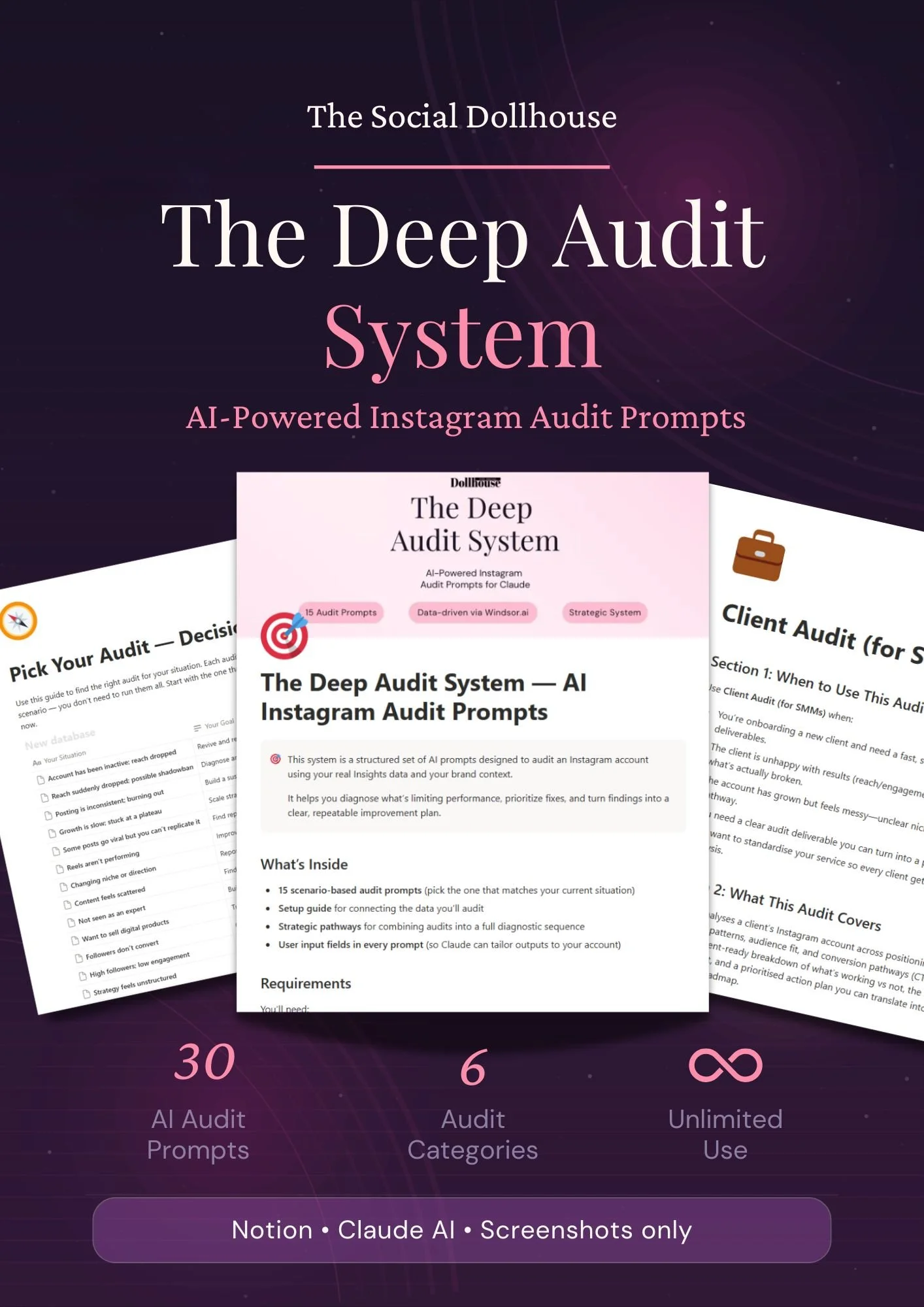
 Image 1 of 7
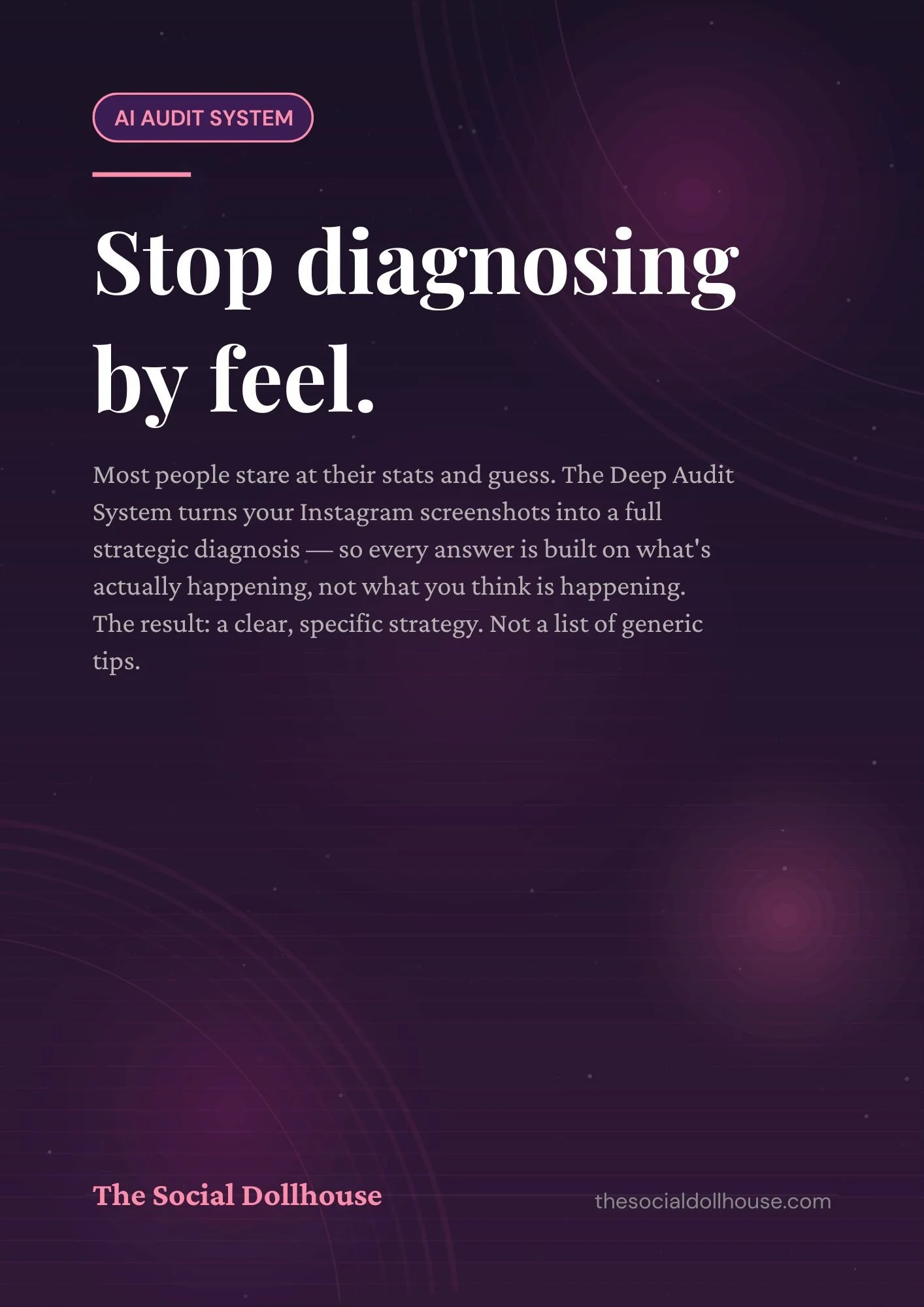 Image 2 of 7
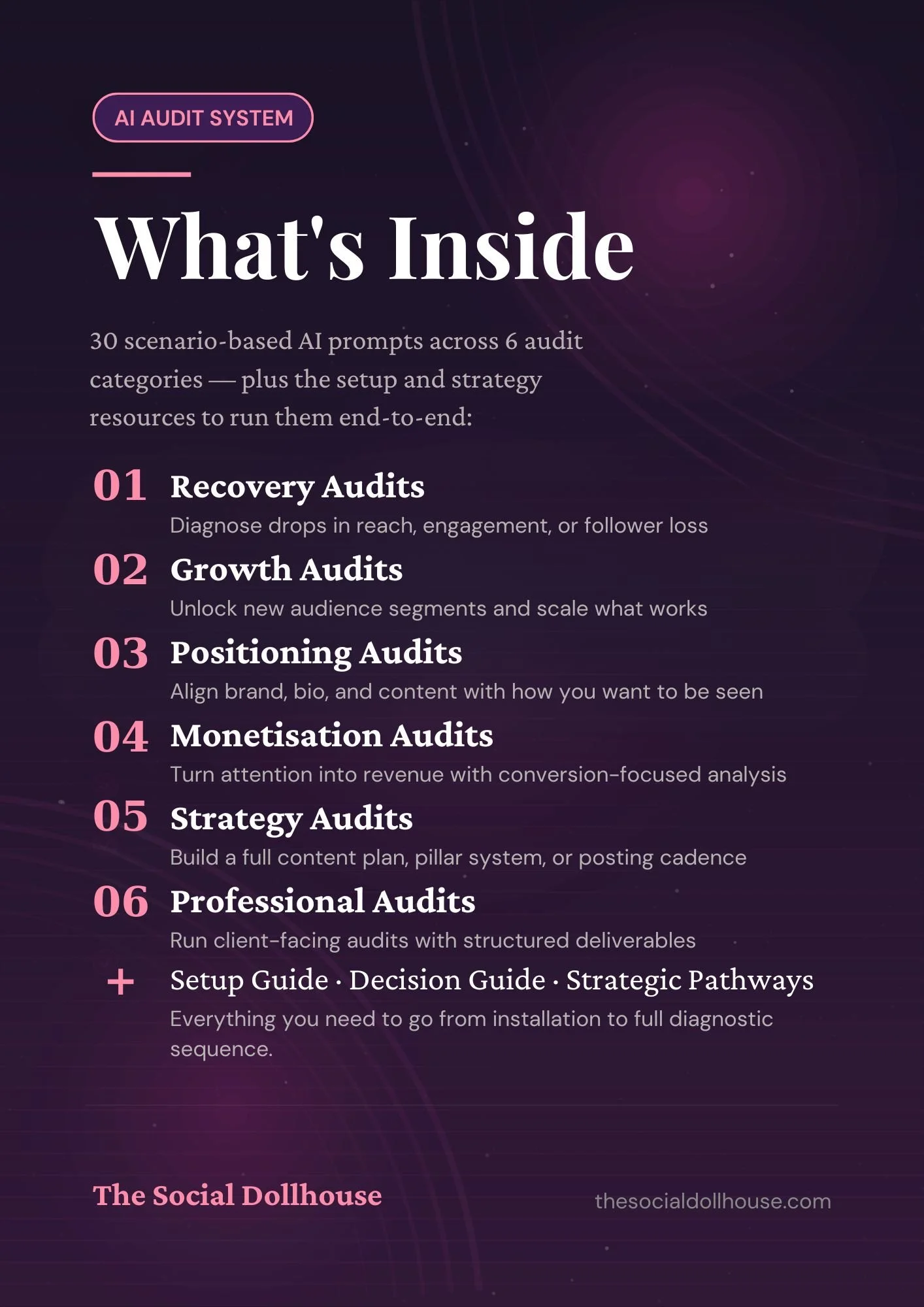 Image 3 of 7
, use Notion decision guide, run prompts in Claude, present findings](https://images.squarespace-cdn.com/content/v1/69d7d14c1e47612910e654b6/147b4415-0b02-4719-942f-0b085dc6d2b7/4.jpg) Image 4 of 7
Image 4 of 7
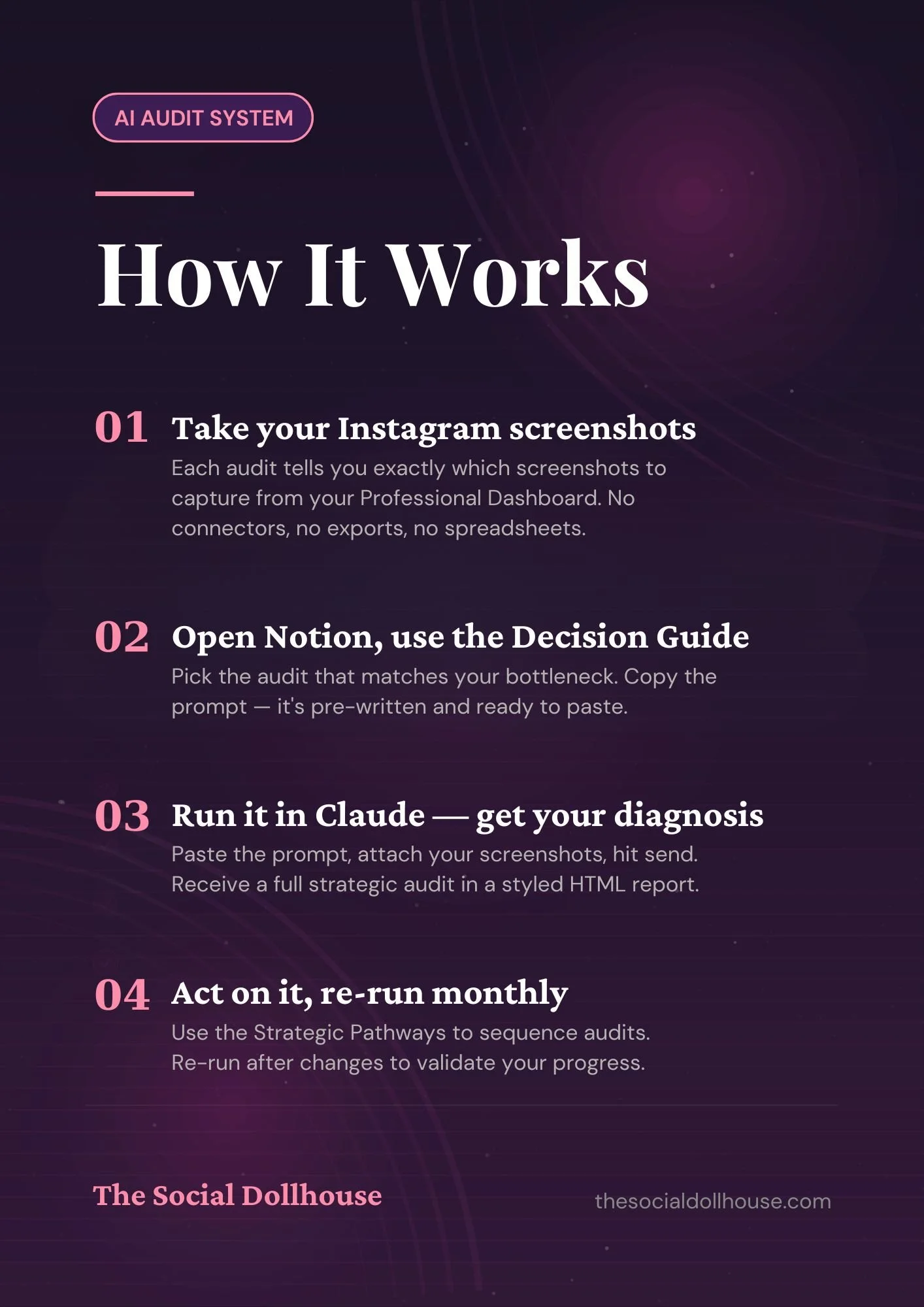 Image 5 of 7
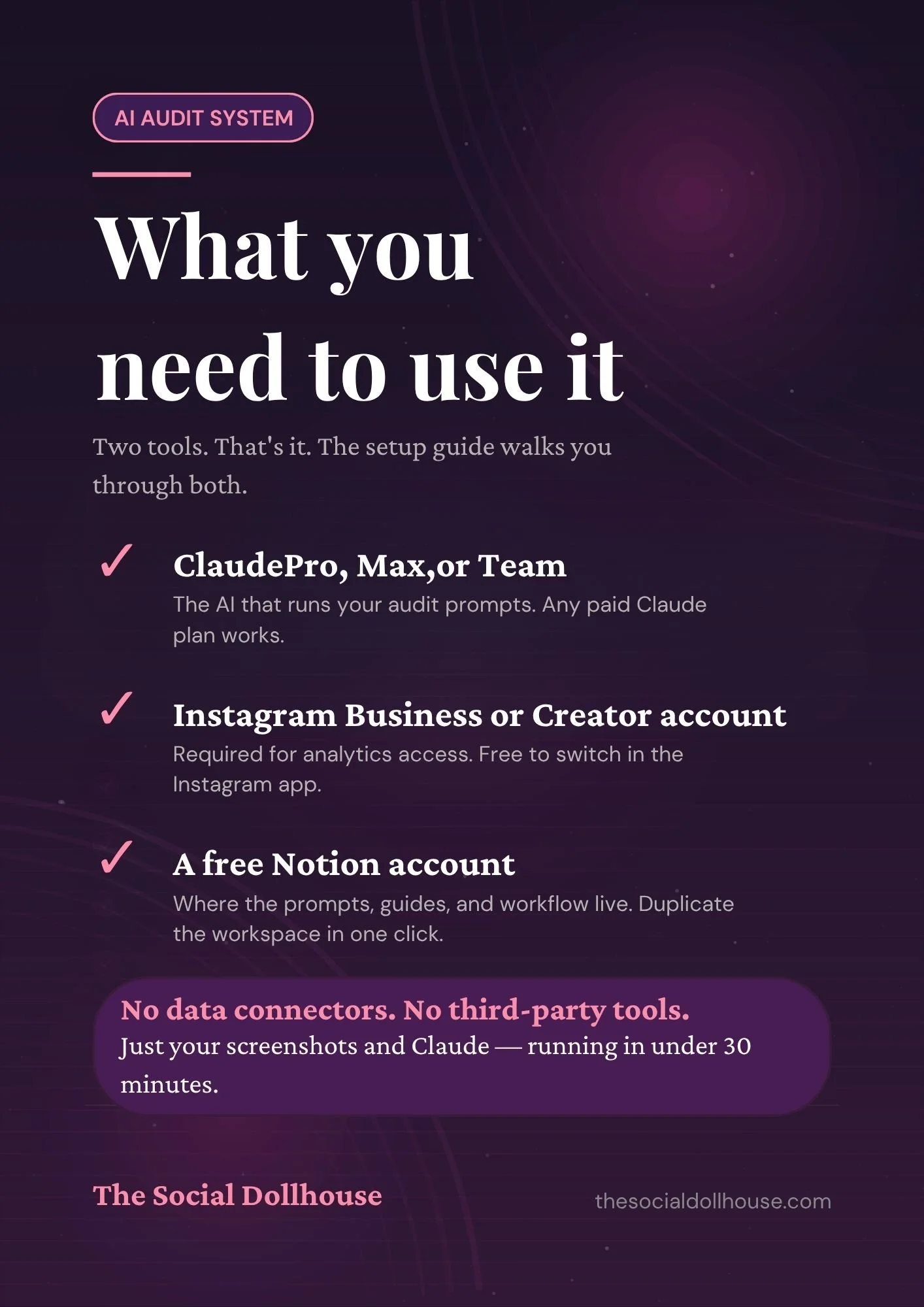 Image 6 of 7
 Image 7 of 7
Your Instagram data already has the answers.
These AI audit prompts help you ask it.
WHY THIS EXISTS
The problem with most Instagram audits is that they're based on guesswork dressed up as strategy.
You open the analytics tab. You screenshot the numbers. You write "reach is down" and "try more carousels." Then you guess. Then you hope. Then you do it again next quarter.
What was missing wasn't effort — it was the right questions. The ones that connect the data points to each other and surface the actual pattern underneath the numbers.
That's what Claude does, when you know how to ask. The Deep Audit System is the asking — for you.
THE PROCESS
How the AI Instagram Audit Works in Three Steps.
01
Open the AI audit prompts
Your Notion workspace has 30 pre-written prompts, each one structured to accept your Windsor.ai data directly. No prompt engineering required — just paste and run.
CONNECT
02
Get your strategic diagnosis
Claude reads your real performance data and returns a specific, prioritised analysis — what's working, what's broken, and exactly what to change first.
CHOOSE
03
Pull your Instagram data
Connect your Instagram Business or Creator account to Windsor.ai. Your real performance data — reach, saves, follows, engagement — exports in minutes.
LASTLY - DIAGNOSE
WHAT'S IN THE NOTION WORKSPACE
Inside the AI Instagram Audit Prompt System.
PROMPT 01
"What content format has driven the most saves relative to reach in the last 90 days — and why might that be?"
CONTENT PERFORMANCE
PROMPT 14
"Based on the follower growth data, at what point did growth stall — and what changed in the content before that?"
AUDIENCE & GROWTH
PROMPT 27
"Given all the data above, what are the three highest-leverage things to change in the next 30 days?"
STRATEGIC DIAGNOSIS
IS THIS YOU?
Who the AI Instagram Audit System Is For.
You post consistently but the performance graph looks like a flat line — and you can't figure out why.
You've read enough "Instagram tips" to last a lifetime. What you want is someone to look at your data and tell you the truth.
You already use AI tools but you're improvising the prompts — and getting vague, generic outputs that don't tell you anything new.
You run your own brand's Instagram, or you're doing it for a client, and you want to make decisions backed by actual evidence.
You want to feel like a strategist, not a scheduler.
WHAT'S INSIDE
What's Inside the Deep Audit System.
30
30 AI Instagram Audit Prompts
Each prompt targets a specific area of Instagram performance. Grouped, ordered, and formatted to paste directly into Claude with your data attached.
01
Pre-Built Notion Audit Workspace
Pre-built, ready to duplicate. The prompts live inside it alongside a step-by-step walkthrough of how to run the whole system.
∞
Reusable, forever
Run it once a month, once a quarter, or on every account you work on. The prompts don't expire. The Notion template is yours to keep.
BEFORE YOU BUY
AI Instagram Audit System — FAQs.
-
A Notion account (free plan works), a Claude Pro, Max, or Team subscription, and a Windsor.ai account to export your Instagram data. Your Instagram account also needs to be set to Business or Creator. Full setup details are on the checkout page.
-
No prior AI experience needed. The prompts are pre-written — you copy, paste, and read the output. The Notion workspace includes a step-by-step walkthrough so you know exactly what to do.
-
Yes — you run the system with whatever data you load in. One purchase, unlimited accounts. Run it on your own brand, a client's, or both.
-
The Audit Framework is the deliverable — the 16-page Canva report you present. The Deep Audit System is the engine — what you run before you fill it in. Most people find they're stronger together: diagnose with the System, present with the Framework.